“I have an idea!”
A short lesson gives their imagination a starting point.
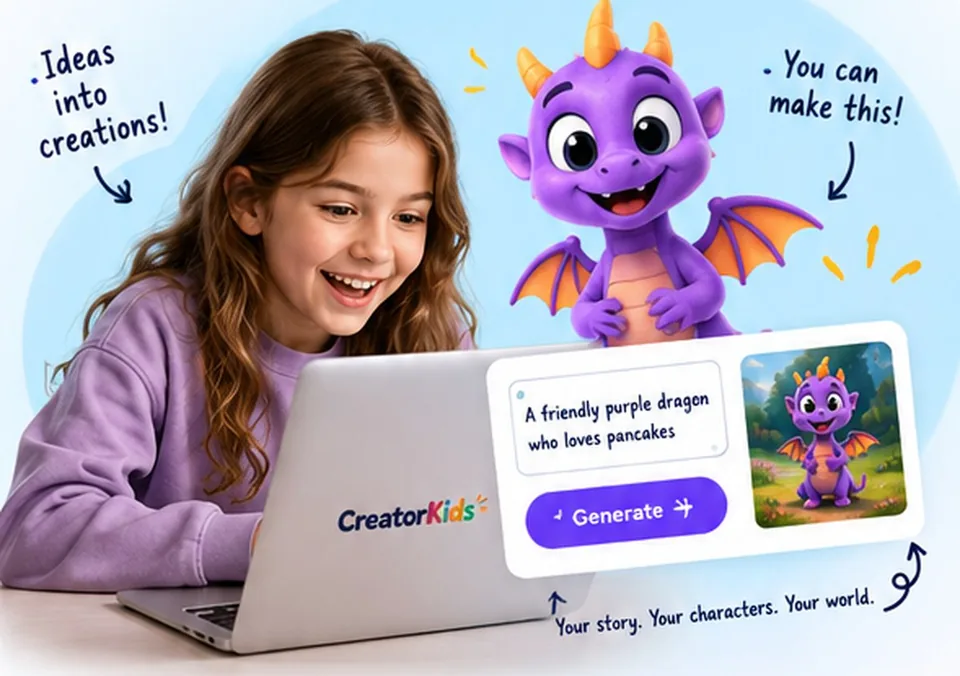
A creative club for kids who have stories to tell, characters to invent and a hundred “what ifs”.
No separate AI accounts. No extra AI subscriptions.
$1 lesson: one payment. No automatic subscription.
Membership renews monthly. Cancel anytime. Ages 7–13.

THE NEW ONE
Hooks, suspense and pacing. They invent a film that does not exist, then cut a thirty-second trailer for it - and learn the rule real trailers keep breaking.
They finish with: A thirty-second trailer for a film they invented, with their voice on it
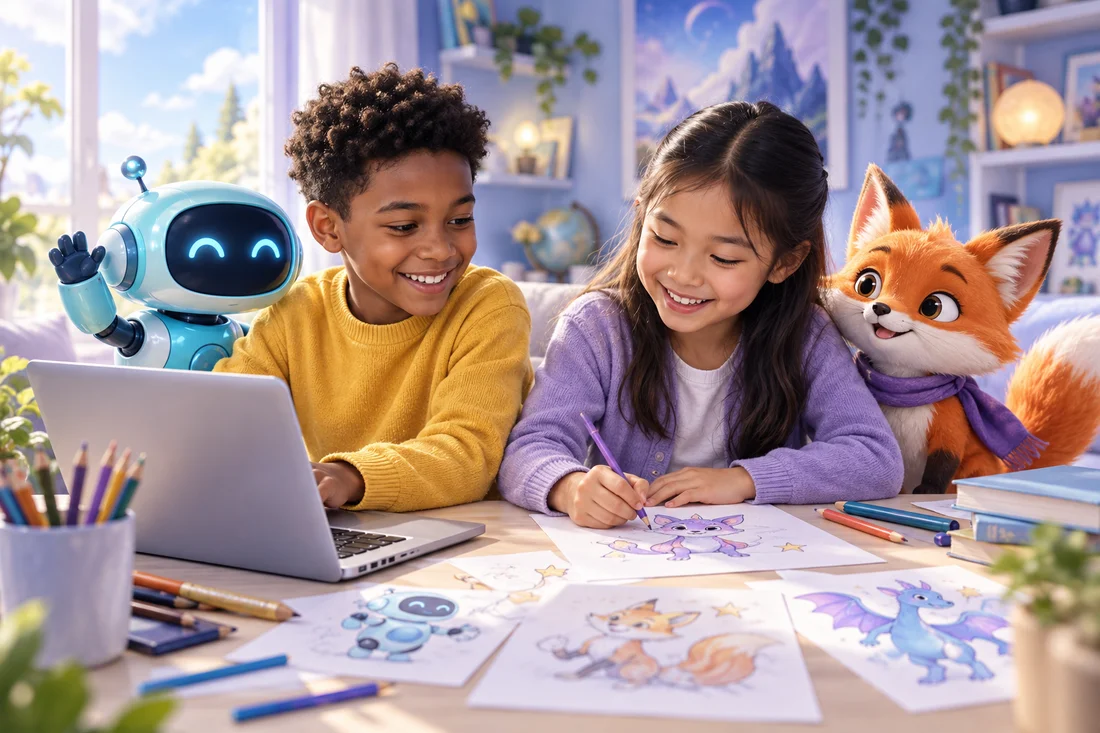
A CLUB FOR THEIR “WHAT IF?”
Let them follow the idea that excites them. Make something, learn something, then discover what they want to try next.
UNDER A MINUTE
FIND THE THING THAT LIGHTS THEM UP
18 courses to start today.
More creative adventures on the way.
Hooks, suspense and pacing. They invent a film that does not exist, then cut a thirty-second trailer for it - and learn the rule real trailers keep breaking.
They finish with: A thirty-second trailer for a film they invented, with their voice on itExplore the course
Invent a character, keep it consistent, put it in a story, and finish an animated cartoon.
They finish with: A finished animated cartoon, starring a character they inventedExplore the course
Spot a fake picture, a copied voice, and a true fact arranged to mislead you. The one course here that is about not being taken in.
They finish with: Three questions they will use for the rest of their lifeExplore the course
Panels, speech bubbles, pacing and page layout — the craft of telling a story in pictures.
They finish with: An eight-page comic, laid out and printableExplore the course
No maths. What a model is really doing when it answers, where it is confidently wrong, and what it cannot do.
They finish with: A test they designed themselves to catch an AI being wrongExplore the course
You cannot tell by looking - nobody can. Four lessons on what actually works instead, for pictures, voices and video.
They finish with: Five cases judged, each with a confidence and a reasonExplore the course
Numbers that are completely true and still leave you believing something false. Four questions that take them apart.
They finish with: Four questions they will use on every number for the rest of their lifeExplore the course
Almost nothing you hear comes from the person it happened to. Four lessons on tracing a claim back to whoever was actually there.
They finish with: Five claims traced back, with the break marked on eachExplore the course
Who paid, what is really being sold, and the five tricks with names. Ends with your child writing an advert for a potato.
They finish with: Your own advert, and the honest version beside itExplore the course
The shape every scam shares, why nobody picked your child in particular, and — the part nobody teaches — what to do in the ten minutes after one works.
They finish with: The four steps, and the name of the person they would tellExplore the course
The machine is not showing your child what they like. Four lessons on what it is actually measuring - ending with an experiment they run on their own feed.
They finish with: An experiment on their own feed: prediction, method, and what actually happenedExplore the course
Claim, reason, evidence - and the strongest version of the other side. Your child ends up making a real case to a real person about a real thing.
They finish with: A real case, made out loud, and an honest record of what happenedExplore the course
Being wrong feels exactly like being right. Four lessons on the only skill that fixes that - and the habit that measures it.
They finish with: Five predictions, written with a confidence and a date to check themExplore the course
Twelve lessons on what investing actually is, in fictional coins - owning, lending, growth, risk, and the questions to ask before anyone's money moves.
They finish with: A Learning Investor Notebook: twelve worked examples and a plan they can defendExplore the course
An endless runner where the hero, the obstacle, the thing you collect and the world are all theirs. They design it; the app supplies the engine.
They finish with: A game that actually plays, with every single thing in it made by themExplore the course
Twelve cards that play a real game. Every card spends the same ten points across its power and its trick — which is where the design lesson lives.

Plot, characters, pages and pictures. The AI helps; the story stays theirs.
They finish with: An illustrated short book, as a PDF you can have printedExplore the course
Icons, silhouettes and why simple reads better — design thinking disguised as making stickers.

Shot planning, movement and timing — turning still pictures into thirty seconds that actually move.
They finish with: A 30-second animated short with soundExplore the course
Six weeks to build a country that isn't there — its land, its creatures, its flag and money, its legend, a deck of cards you can play, and a film that flies over the whole thing.
They finish with: A country in a box: a map, a flag, twelve playable cards, a legend told aloud, and a travel filmExplore the course20 courses shown
Upcoming courses show their current roadmap. Planned courses have no confirmed release date.
A LITTLE TASTE OF WHAT THEY CAN DO
Try a free creative activity together.
No account. No payment. Just curiosity.
 FREE
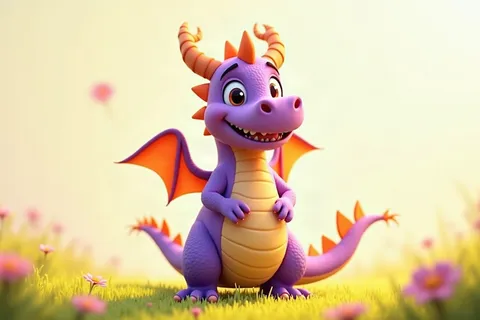
FREECHARACTERS & STORIES
A personality. A little wish. A character only you could dream up.
Try the activity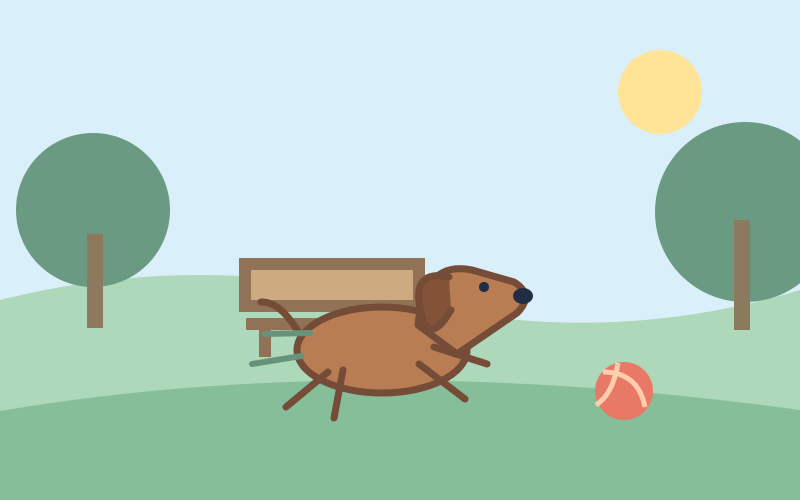 FREE
FREECURIOUS THINKING
Can two captions tell different stories about the very same picture?
Try the activity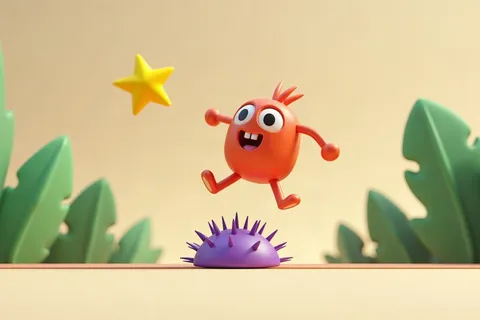 FREE
FREECREATING WITH AI
Learn to describe your idea so the important details come through.
Try the activityIT STARTS WITH ONE LITTLE IDEA
A short lesson gives their imagination a starting point.
Built-in tools turn the lesson into a chance to experiment.
Save the creation. Explore it together. Celebrate what they tried.
 The Cat Who Hated MondaysMaya, age 8
 Captain PickleLeo, age 10
 The Last Dragon EggEmma, age 9
 A New PlanetNoah, age 11
LET THEIR CURIOSITY KEEP GOING
A first cartoon can lead to a comic, a book or a character for a whole new game.
Twelve printed cards, a rules card, and a game somebody else can play
A printable sticker sheet of their own designs
WHAT THEY TAKE AWAY
161 specific skills, each tied to the lesson that teaches it — and each one appears in your monthly note only once they have finished that lesson.
THE WORRY WORTH NAMING
It is the first thing most parents think, and it is fair. A child who types a question in and copies the answer out has learned nothing.
So every lesson stops partway through and hands over. Pip explains one idea, shows it once, then the video pauses and waits. Your child describes what they want, looks at what came back, decides it is not quite right, and changes one thing. That loop is the lesson — it is more thinking than watching, not less.
We teach the other half on purpose, too: Don’t Get Fooled is a whole course on where AI gets things wrong, how a generated picture gives itself away, and why a confident answer is not a correct one.
WORTH CHECKING ANYWHERE YOU BUY
Most “AI for kids” courses are instructions for driving grown-up tools on a parent’s account. The big chatbots set their own minimum age at 13.
ONE CLUB. SO MANY POSSIBILITIES.
Membership for exploring. One-time options for a smaller start.
or $149 a year, 38% less
For families who want to explore the library as it grows.
$19.99 a month. Cancel in one click, any time.
Or pay for the year — $149
Save 38% against $19.99 a month.
ONE PARTICULAR PASSION?
Permanent access to one released course.
A LITTLE FIRST STEP
Get a feel for a course before choosing more.
18 courses available today, and a new course is added every week. Members get each one the day it lands. Choose a course to own permanently, or explore all available courses with an active membership.
FOR THE PEOPLE CHEERING THEM ON
No outside AI purchase is needed for the included course tools. Children create inside CreatorKids, without separate AI accounts.
Yes. $149 for a year, which is 38% less than paying $19.99 a month. It includes the same thing: every released course, and the new course each week while it is active.
Membership is $19.99 per month and renews monthly until cancelled. It includes every released course and the new course added each week while your membership is active.
No. It is a one-time lesson purchase. Membership is a separate choice. If you later buy that course, the $1 comes off the course price.
You retain membership course access through the period you paid for. Courses bought separately remain yours to revisit.
Look for “Ready now” in the course library. Upcoming courses show their current status and are not available to start yet.
Courses are designed for ages 7–13, with the age range shown on each course. A parent sets up the account. Younger children may need help reading or getting started.
YOU BRING THE CURIOSITY
All included AI tools. One monthly membership.
Or take a little first step for $1 → Apple
Apple The New York Times
 Facebook
 NVIDIA
 Google